
Kling 3.0 Pro AI Video Generator
Turn a prompt or one image into a 5- or 10-second video with Kling 3.0 Pro. Add sound if you like and see the exact credit quote before you generate.
- From 140 credits per clip
- Text to video / Image to video
- 5s / 10s
- Audio available
Kling 3.0 Pro
What scene would you like to create?
Choose a scene to fill in the subject, setting and motion. No image upload needed. These are editable prompt drafts, not recorded outputs.
More prompt ideas
More settings · 16:9 · 5s
Checking generation and private storage configuration.
Text or single-image input, 5 or 10 seconds, sound optional. Elements, end-frame and multi-prompt controls aren’t offered here.
Billing and delivery
Generate charges the displayed quote for the current model, duration and audio choice. If generation fails or the file fails our check, the credits come back automatically; a finished clip you don’t like is still charged. Finished clips stay in My videos.
Sample result
5s · MP4About Kling 3.0 on Cicadas
Kling 3.0 Pro turns a written prompt or one image into a 5- or 10-second video, with sound if you switch it on. Browse the example clips made with this Kling 3 video generator, reuse a prompt and see the exact credit quote before you generate. Each finished video is a private MP4 you can download or find later in My videos.
Kling 3.0 examples made on Cicadas
A small world wakes up.
Bring a handmade paper landscape to life with drifting clouds and a flowing stream.
Use this recipe ↗That curious little look.
An earlier Kling pet animation. Its recorded settings say 9:16, but the downloaded file is 1244×1660, following the source image at about 3:4. This is a separate output from the Seedance test.
Use this recipe ↗Somewhere beyond ordinary.
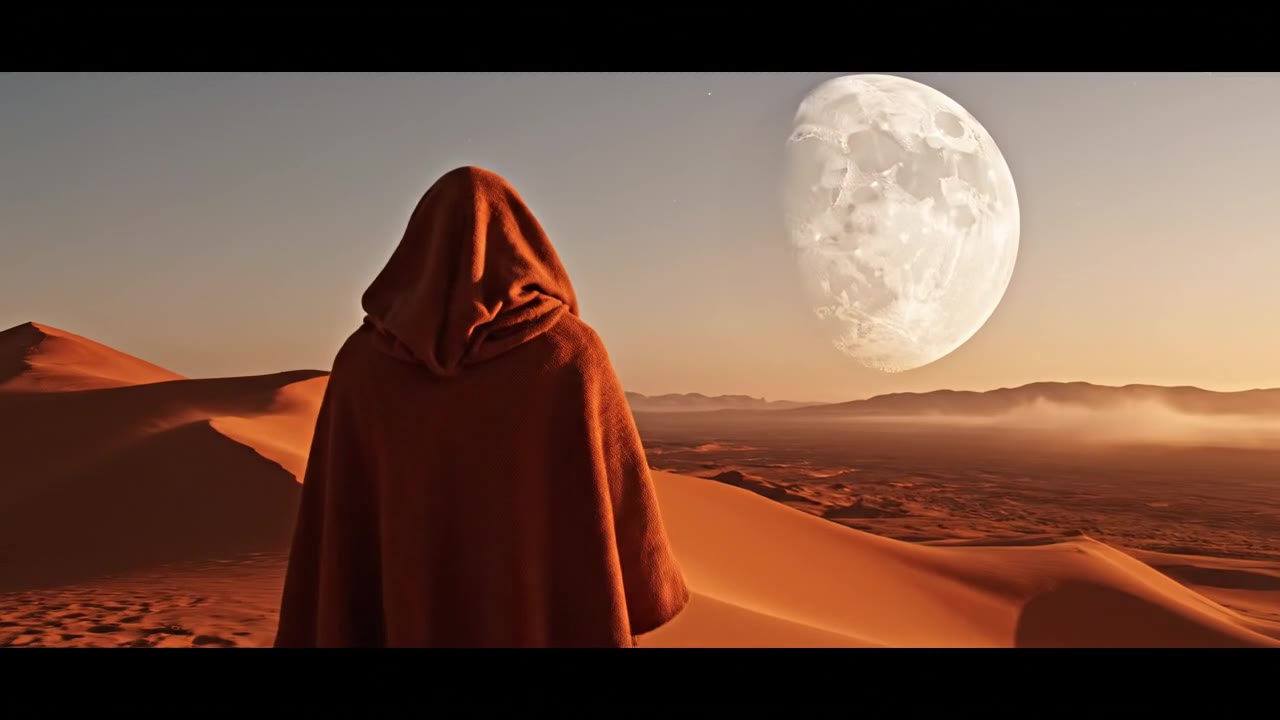
Write the world you want to see. Start with a cinematic desert shot.
Use this recipe ↗A still. A little life.
Start with a portrait. Add a glance, soft rain and natural movement.
Use this recipe ↗Good mornings, in motion.
Turn a café still into a warm little moment, with rising steam and a gentle push-in.
Use this recipe ↗Built to move.
A sneaker, a clean camera move, an electric blue finish.
Use this recipe ↗A little light. A lot of detail.
Sweep a warm highlight over a sculptural ring and its champagne gemstone.
Use this recipe ↗Wind on a hilltop, anime style.
An original anime-style shot from text with Kling 3.0 Pro: cel shading, painted clouds and wind moving grass, hair and scarf. Silent 5-second MP4.
Use this recipe ↗A letter on the platform.
An original anime-style shot from text with Kling 3.0 Pro: a silver-haired character reads a letter on a country platform as cherry petals drift by. Cel shading, painted sky. Silent 5-second MP4.
Use this recipe ↗Gulls over the harbor.
Kling 3.0 Pro text to video at 5 seconds, silent. Seagulls lift off a stone pier at dawn as fishing boats rest on calm water, with a slow sideways camera move and pastel light.
Use this recipe ↗The coastal road, on Kling.
Kling 3.0 Pro, 5 seconds, silent, from the same image and prompt as the Seedance coastal shot, made from the free page by a new account on its signup credits. The camera moves more than asked, dropping and swinging along the road while the coupe keeps its taillights toward us; Kling also added a second car far up the road and a large wave bursting against the cliff.
Use this recipe ↗Why use Cicadas for Kling 3.0
Make a Kling 3.0 video from text or one image
Type a prompt, or upload one JPG, PNG or WebP you're allowed to use. Text mode lets you pick landscape, portrait or square; image mode keeps your picture's shape, so crop it first if the framing matters.
Choose 5 or 10 seconds on Kling 3.0 Pro, sound optional
Length and sound are the two settings that change the price. The exact credit quote follows your choices, so you know the cost before you submit.
Keep every Kling 3.0 video as a private MP4
A successful job returns one private MP4. Download it right away or find it again later in My videos. If the generation fails or the file doesn't pass our check, the credits go back automatically.
How to use Kling 3.0
- 01
Choose text or image input. For image mode, upload one JPG, PNG or WebP you're allowed to use, and crop it first if you need a specific composition.
- 02
Describe one continuous shot, pick 5 or 10 seconds and turn sound on or off. In text mode, also choose landscape, portrait or square.
- 03
Check the exact credit quote and generate. Watch the whole MP4 for motion, anatomy, object consistency and sound, then download it or find it later in My videos.
Kling 3.0 prompt ideas
Copy one into the prompt box above and adapt it to your shot. Or write your own shot by shot in the prompt generator.
“A fictional adult train conductor stands on an empty platform at blue hour while a light breeze moves the coat. Slow lateral camera move, natural anatomy, one continuous cinematic shot.”
“A quiet alpine lake reflects pine trees and snow-covered peaks at sunrise. Thin mist crosses the water, slow controlled push-in, realistic natural textures, one continuous shot.”
“A ceramic bowl of ramen rests on a wooden counter in warm light. Fine steam rises while the camera makes a subtle push-in. Keep the bowl and ingredients stable, one continuous shot.”
Kling 3.0 FAQ
Tested on Cicadas · reviewed 2026-09-30
Eleven recorded five-second Kling 3.0 Pro clips cover text and single-image input, all with audio off, so there is no Kling sound sample yet. The newest (2026-09-30) reuses the Seedance coastal image and prompt, so the two models can be compared on the same input. Elements, end-frame, multi-prompt and voice controls are not offered here.
Updated Sep 29, 2026 · How we test
Related tools
 Veo 3.1 Fast · Recorded Cicadas sample
Veo 3.1 Fast AI Video Generator
Turn text, one image or a first and last frame into a 4-, 6- or 8-second Veo 3.1 Fast video at 720p or 1080p, sound optional. See the credit quote first.
Veo 3.1 Fast · from 100 credits
Tested 2026-09-30
 Recorded Seedance 2.5 sample
Seedance 2.5 AI Video Generator
Turn a prompt or one image into a video of up to 30 seconds with Seedance 2.5, at 480p or 720p with optional synced sound. See the credit quote first.
Seedance 2.5 · from 221 credits
Tested 2026-09-29

Motion Control AI: Character Image + Reference Video to MP4
Make your character move like a reference video with Kling motion control. This motion control AI returns a silent MP4 and bills only delivered seconds.
Tested 2026-09-29
 Kling 3.0 Pro · Recorded Cicadas sample
AI Image to Video Generator
Photo to video from one upload: add a JPG, PNG or WebP and get a silent 5-second Kling or 6-second 720p Veo MP4. AI image to video with the price shown first.
Kling 3.0 Pro · from 140 credits
Tested 2026-09-29