
Grok Imagine Video 1.5 and 1.5 Lite AI Video Generator
Make 5- or 10-second videos with sound from text or one image, no X account needed. Grok Imagine 1.5 from 100 credits, 1.5 Lite from 25, quoted before you pay.
- From 25 credits per clip
- Text to video / Image to video
- 5s / 10s
- 720p
- Audio available
What scene would you like to create?
Choose a scene to fill in the subject, setting and motion. No image upload needed. These are editable prompt drafts, not recorded outputs.
More prompt ideas
More settings · 9:16 · 5s · Audio
Checking generation and private storage configuration.
Sample result
5s · MP4About Grok Imagine on Cicadas
Write a prompt or turn one image into a 5- or 10-second Grok video at 480p or 720p, delivered as a private MP4 with audio. Pick Grok Imagine Video 1.5, or 1.5 Lite, the lower-priced tier added on 2026-10-01 at about a fifth of the price per second. Cicadas runs both through a third-party API as an independent site, not affiliated with or endorsed by xAI, and you only need a Cicadas account and credits, not an X or Grok account. You see the exact credit quote before you submit.
Grok Imagine examples made on Cicadas
One step on red sand.
Grok Imagine Video 1.5 at 720p. The walk and dust trail hold together; the prompt asked for wind and footsteps, but the recorded audio is calm music.
Use this recipe ↗A skater in an empty garage.
Grok Imagine Video 1.5 at 720p. A skater rides through a sunlit parking garage, but Grok cut between three camera angles instead of one continuous shot. The audio is a low thumping.
Use this recipe ↗A robot tending a rooftop garden.
Grok Imagine Video 1.5 at 480p. A small round robot waters potted flowers on a rooftop at golden hour, with the skyline behind it. The model added gentle acoustic music.
Use this recipe ↗Tea in a bamboo forest.
Grok Imagine Video 1.5 at 480p, vertical. Steam curls from green tea on a stone table in a bamboo forest as the camera moves in. The birdsong from the prompt is in the audio.
Use this recipe ↗Lanterns over a rainy alley.
Grok Imagine Video 1.5 Lite at 480p, 25 credits, ready in 34 seconds. Paper lanterns hang over a wet stone alley as the camera tilts up. The rain in the soundtrack is very quiet; turn the volume up to hear it.
Use this recipe ↗A kettle by the lake at sunrise.
Grok Imagine Video 1.5 Lite at 720p, vertical, 38 credits, ready in 46 seconds. Steam rises from a copper kettle beside a still mountain lake while the camera pushes in. We asked for a whistle; the soundtrack has only a very quiet steady noise.
Use this recipe ↗A kitten turns to the window.
Grok Imagine Video 1.5 Lite from one picture at 720p, 40 credits, ready in 84 seconds. The kitten blinks and turns toward the window; its body also shifts forward, more than the prompt asked. The soundtrack is very quiet rustling.
Use this recipe ↗Why use Cicadas for Grok Imagine
Make Grok image-to-video or text-to-video clips
Write a prompt, or animate one JPG, PNG or WebP you are allowed to use; image mode keeps your picture's shape. Text mode offers 16:9, 9:16 or 1:1 framing, at 5 or 10 seconds.
Grok Imagine 1.5 Lite from 25 credits, sound included
With 1.5 Lite, 5 seconds is 25 credits at 480p or 38 at 720p; with the full 1.5 model it is 100 or 175, and image mode adds 2 or 3 credits. Every clip includes generated audio (no silent version). In our tests the three Lite clips had very quiet sound; three of four clips from the full model were clearly louder.
Make Grok videos without an X or Grok account
Cicadas is not affiliated with, endorsed by or operated by xAI. It runs Grok Imagine Video 1.5 and 1.5 Lite through a third-party API, so you only sign in to Cicadas. Finished MP4s stay private in My videos.
How to use Grok Imagine
- 01
Choose Grok Imagine Video 1.5 or 1.5 Lite, then text or image. For image mode, upload one JPG, PNG or WebP you are allowed to use; the video keeps its shape.
- 02
Write your prompt, then pick 5 or 10 seconds and 480p or 720p; for text mode, also choose 16:9, 9:16 or 1:1.
- 03
Check the exact credit quote and generate. Download the MP4 or find it again later in My videos.
Grok Imagine prompt ideas
Copy one into the prompt box above and adapt it to your shot. Or write your own shot by shot in the prompt generator.
“A fictional adult skateboarder rolls slowly across an empty parking garage at night under flickering fluorescent light. Steady tracking shot, natural motion, one continuous take.”
“A cluster of paper lanterns sways above a narrow alley as light rain begins to fall at dusk. Slow upward tilt, realistic motion and reflections, one continuous shot.”
“A fictional adult falconer releases a hawk from a gloved hand across an open moor at dawn. Slow tracking camera follows the bird's first wingbeats, one continuous shot.”
Grok Imagine FAQ
Tested on Cicadas · reviewed 2026-10-02
Recorded on Cicadas. Full model: four Grok Imagine Video 1.5 text-to-video clips, 5 seconds with audio, two at 720p and two at 480p (2026-09-27, 2026-09-29 and 2026-09-30). In the skateboard clip Grok cut between three camera angles instead of holding one shot. Where prompts named sounds, results varied: birdsong came through, but a request for wind and footsteps produced calm music. 1.5 Lite (2026-10-02, through this page on a local build): text at 480p (25 credits, 34 seconds to finish), text at 720p vertical (38 credits, 46 seconds) and one picture at 720p (40 credits, 84 seconds). Each MP4 was 5 seconds of H.264 with AAC sound, downloaded by its owner and refused (401) to a signed-out request. The Lite soundtracks peaked 38 to 40 dB below full scale, which is very quiet. Amplified by 30 dB and played to two listener models, the alley clip was heard as rain; the other two were heard as faint water, crackling or rustling, with no speech or music, and no listener heard the kettle whistle the prompt asked for. In the picture clip the kitten moved more than the prompt asked. The clips do not predict results for other prompts.
Updated Oct 2, 2026 · How we test
Related tools
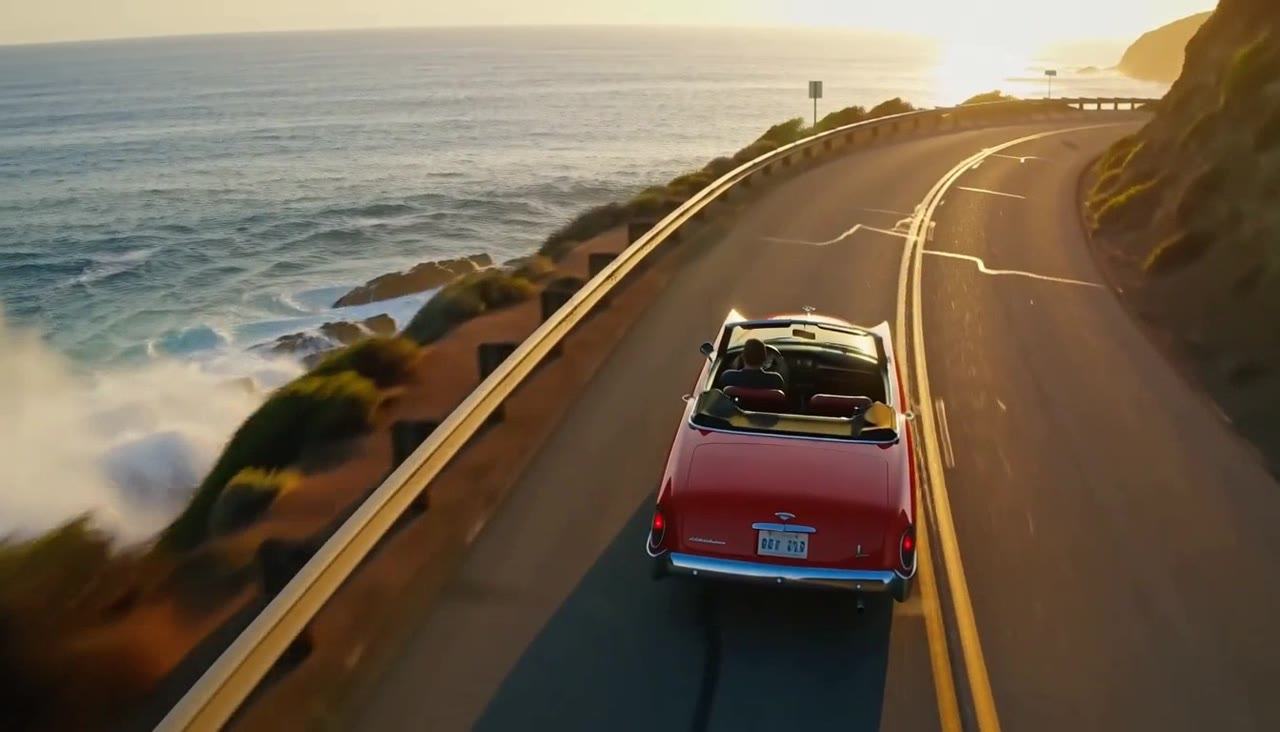 MiniMax H3 Max · Recorded Cicadas sample
MiniMax H3 Max AI Video Generator
Turn text or one image into a 5, 10 or 15-second video with sound. MiniMax H3 Max, a MiniMax video generator from 63 credits, shows the quote first.
MiniMax H3 Max · from 63 credits
Tested 2026-09-30
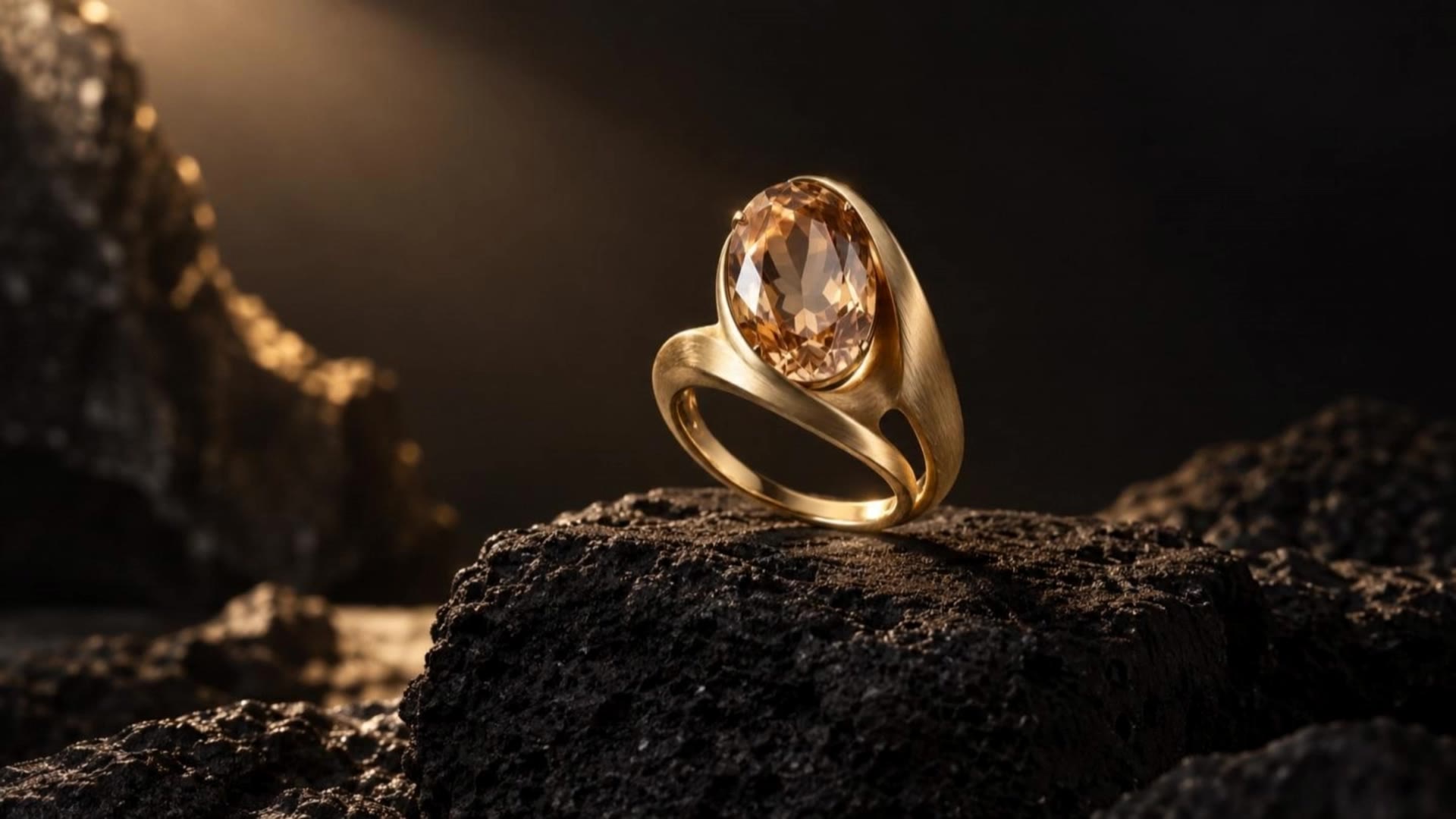 Kling 3.0 Pro · Recorded Cicadas sample
Kling 3.0 Pro AI Video Generator
Turn a prompt or one image into a 5- or 10-second video with Kling 3.0 Pro. Add sound if you like and see the exact credit quote before you generate.
Kling 3.0 Pro · from 140 credits
Tested 2026-09-30
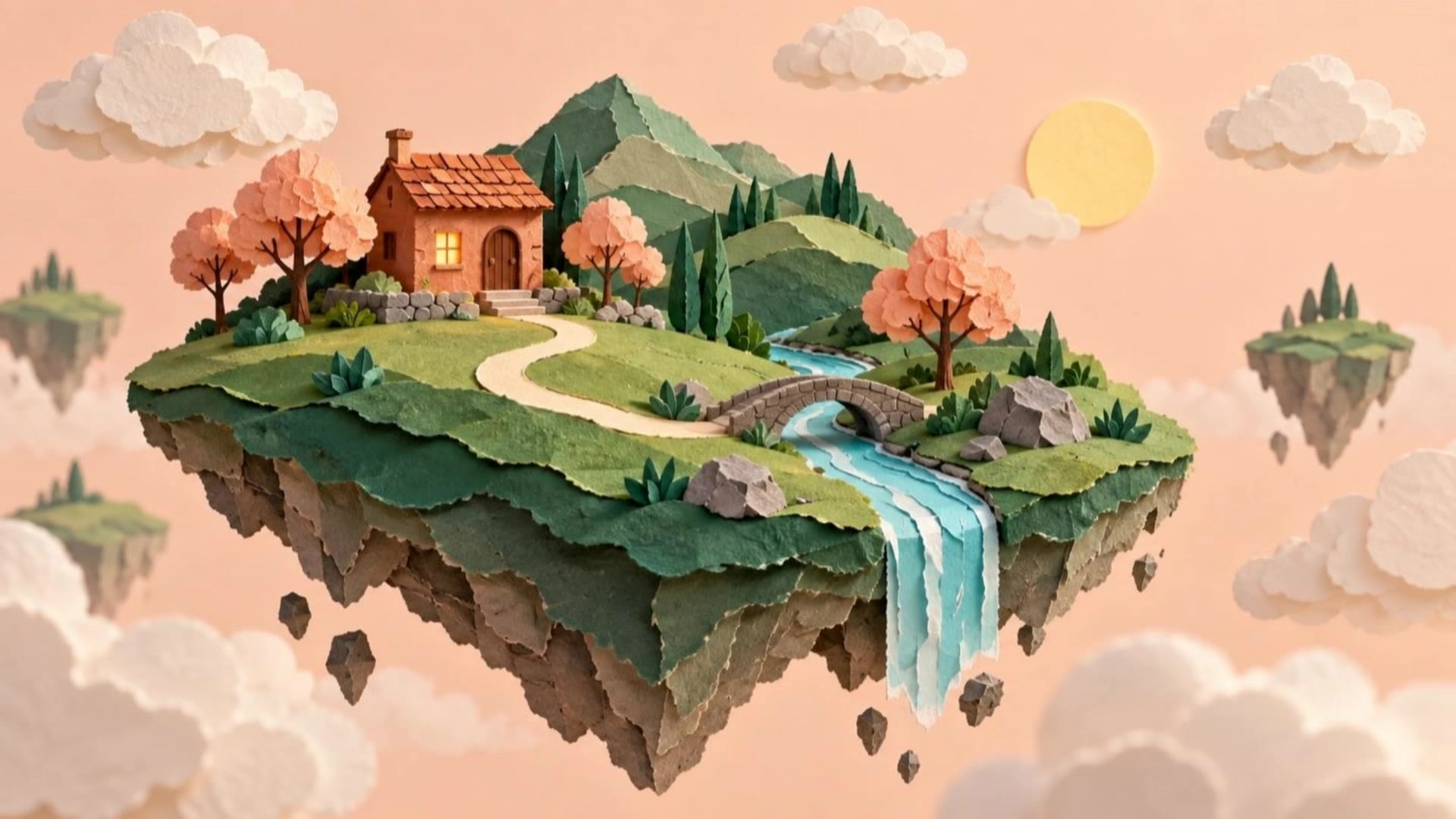 Kling 3.0 Pro · Recorded Cicadas sample
AI Image to Video Generator
Photo to video from one upload: add a JPG, PNG or WebP and get a silent 5-second Kling or 6-second 720p Veo MP4. AI image to video with the price shown first.
Kling 3.0 Pro · from 140 credits
Tested 2026-09-29
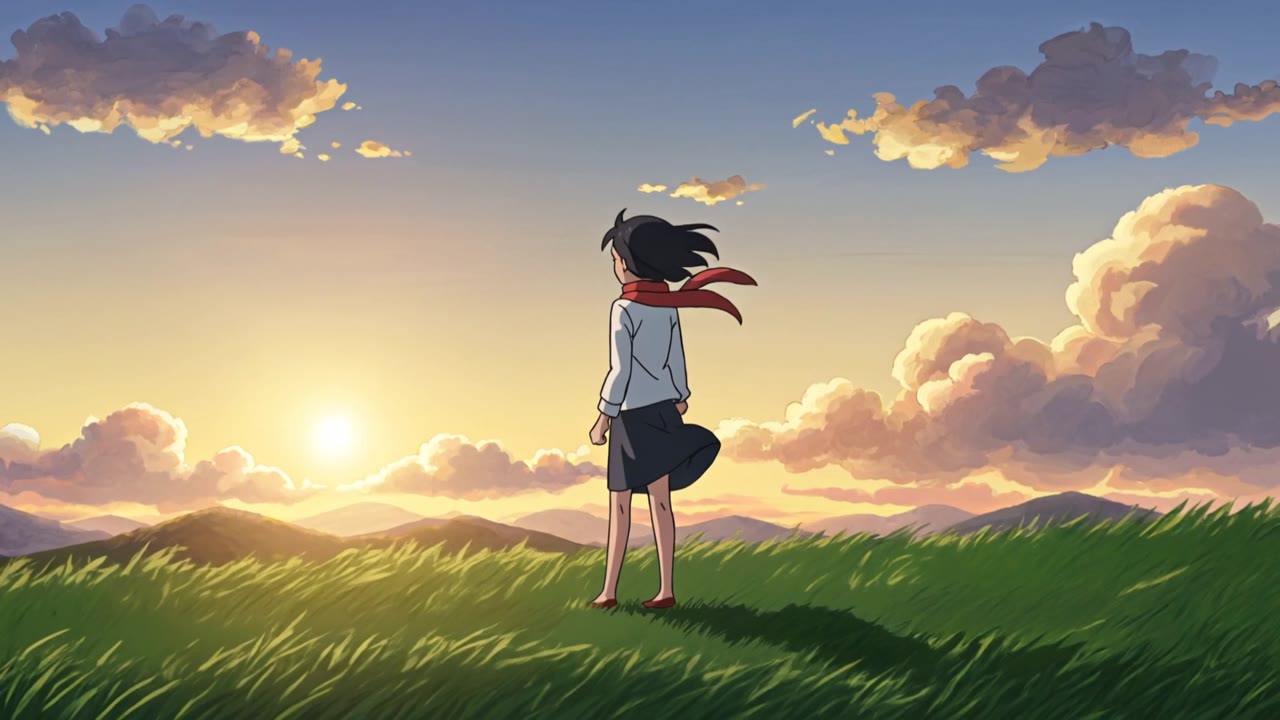 Kling 3.0 Pro · Recorded Cicadas sample
AI Anime Video Generator
Text to anime video in one original shot: describe a scene or upload your own art, then get a silent 5- or 10-second MP4 from this AI anime video generator.
Kling 3.0 Pro · from 140 credits
Tested 2026-09-30