
AI Anime Video Generator
Text to anime video in one original shot: describe a scene or upload your own art, then get a silent 5- or 10-second MP4 from this AI anime video generator.
- From 140 credits per clip
- Text to video / Image to video
- 5s / 10s
- Audio available
Kling 3.0 Pro · silent MP4
What scene would you like to create?
Choose a scene to fill in the subject, setting and motion. No image upload needed. These are editable prompt drafts, not recorded outputs.
More settings · 16:9 · 5s
Checking generation and private storage configuration.
Billing and delivery
Generate charges the displayed quote for the current duration and input mode. If generation fails or the file fails our check, the credits come back automatically; a finished clip you don’t like is still charged. Finished clips stay in My videos.
Sample result
5s · MP4About AI anime video on Cicadas
Describe one original anime-style shot or upload artwork you're allowed to transform, and this AI anime video generator makes a silent five- or ten-second anime video with Kling 3.0 Pro. Every prompt also asks for clean line art, restrained motion and stable anatomy, with no existing franchise characters, logos or text. You see the exact credit quote before you generate.
AI anime video examples made on Cicadas
Wind on a hilltop, anime style.
An original anime-style shot from text with Kling 3.0 Pro: cel shading, painted clouds and wind moving grass, hair and scarf. Silent 5-second MP4.
Use this recipe ↗A letter on the platform.
An original anime-style shot from text with Kling 3.0 Pro: a silver-haired character reads a letter on a country platform as cherry petals drift by. Cel shading, painted sky. Silent 5-second MP4.
Use this recipe ↗Why use Cicadas for AI anime video
Make an anime video from text or your own art
Start from a text prompt or one illustration you have permission to transform. You get one silent Kling 3.0 Pro MP4, saved privately in My videos so you can find it again.
Keep anime scenes original and simple
Use an original character and one continuous action. We add clean line art, stable anatomy and a no-franchise, no-logo rule to the prompt; a small movement is easier to check than a fight or a transformation montage.
Choose a 5- or 10-second anime clip, priced first
See the exact quote before you generate. If generation fails or the file fails our check, the credits come back. Each video is a single shot, so a character may not look the same across separate clips.
How to use AI anime video
- 01
Choose text or image input: describe one original character doing one continuous action, or upload artwork you're allowed to transform.
- 02
Pick five or ten seconds, then start from a preset or edit the prompt.
- 03
Check the credit quote and generate, then check lines, face, hands and silhouette across the whole silent MP4; download it here or find it in My videos.
AI anime video prompt ideas
Copy one into the prompt box above and adapt it to your shot. Or write your own shot by shot in the prompt generator.
“An original adult bicycle courier at a quiet noodle stall turns toward a passing tram, warm lantern light, restrained cel animation, slow lateral camera move.”
“An original adult botanist stands beside rooftop plants at sunrise, coat hem and leaves moving in a light breeze, locked medium-wide shot.”
“An original clockwork bird on a workshop window blinks one glass eye and opens its brass wings slightly as dust crosses a beam of light.”
AI anime video FAQ
Tested on Cicadas · reviewed 2026-09-30
Recorded on Cicadas: two original anime-style shots from text with Kling 3.0 Pro, 5 seconds, 16:9, silent (2026-09-27 and 2026-09-30): a hilltop in the wind and a letter read on a train platform. The page adds an original-style rule to every prompt (no franchise characters, logos or text) and keeps the output silent. Two separate shots do not show that one character stays the same across clips.
Updated Sep 29, 2026 · How we test
Related tools
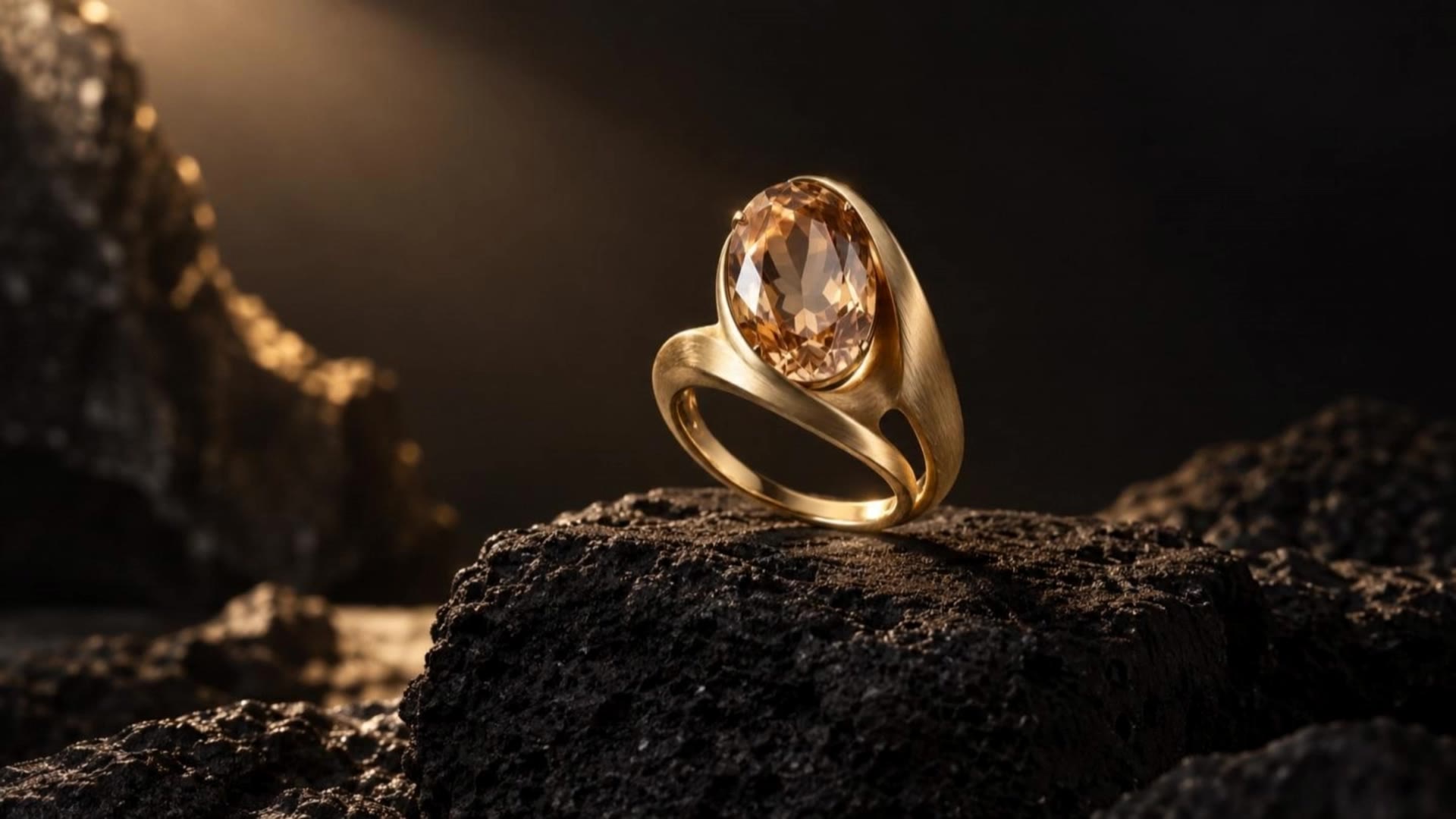 Kling 3.0 Pro · Recorded Cicadas sample
Kling 3.0 Pro AI Video Generator
Turn a prompt or one image into a 5- or 10-second video with Kling 3.0 Pro. Add sound if you like and see the exact credit quote before you generate.
Kling 3.0 Pro · from 140 credits
Tested 2026-09-30
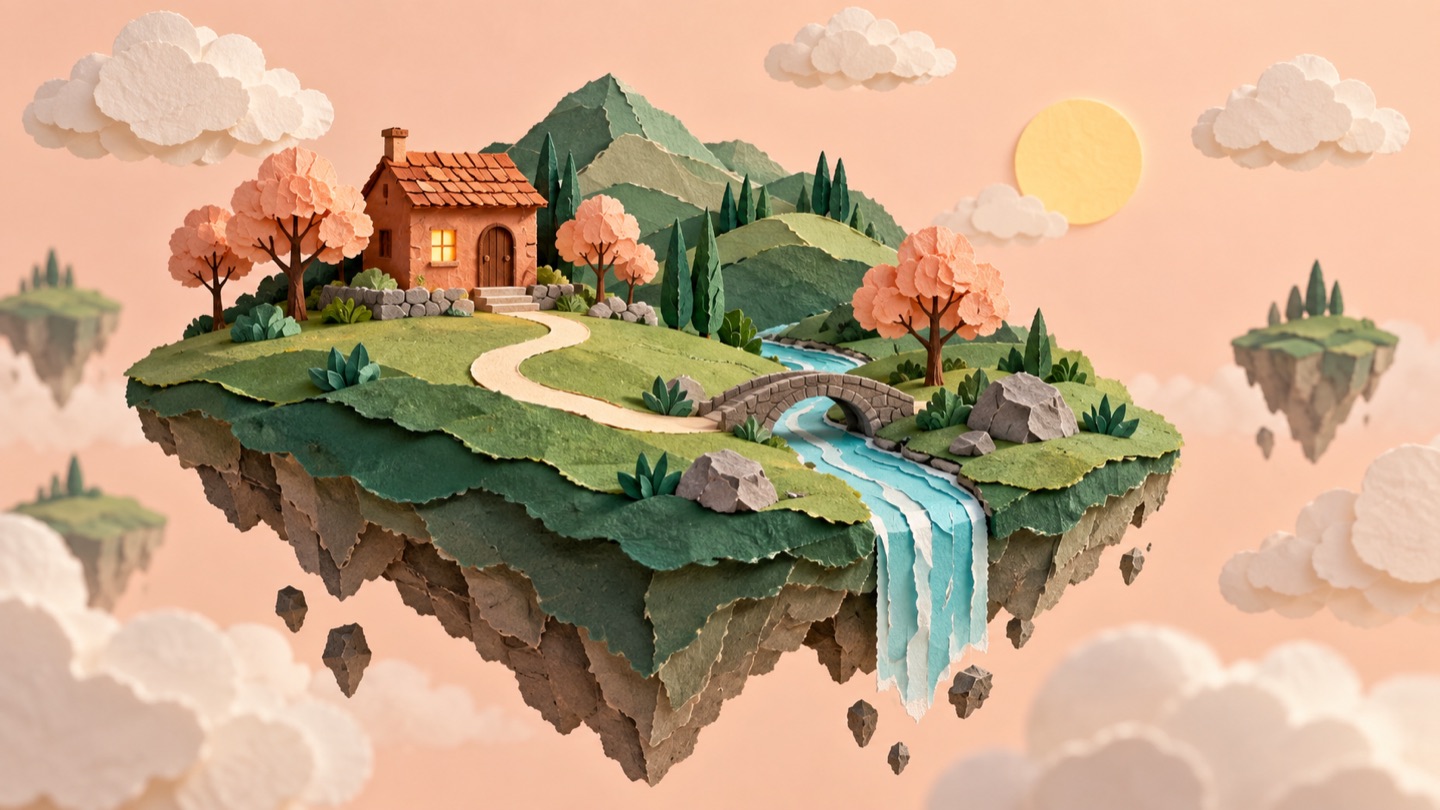 Scene inspiration · this tool writes prompts
Seedance Prompt Builder
Build Seedance prompts free in your browser: seven inputs become one English Seedance 2.5 or Seedance 2.0 prompt to copy or download. No video is generated.
Free · runs in your browser
Tested 2026-09-21
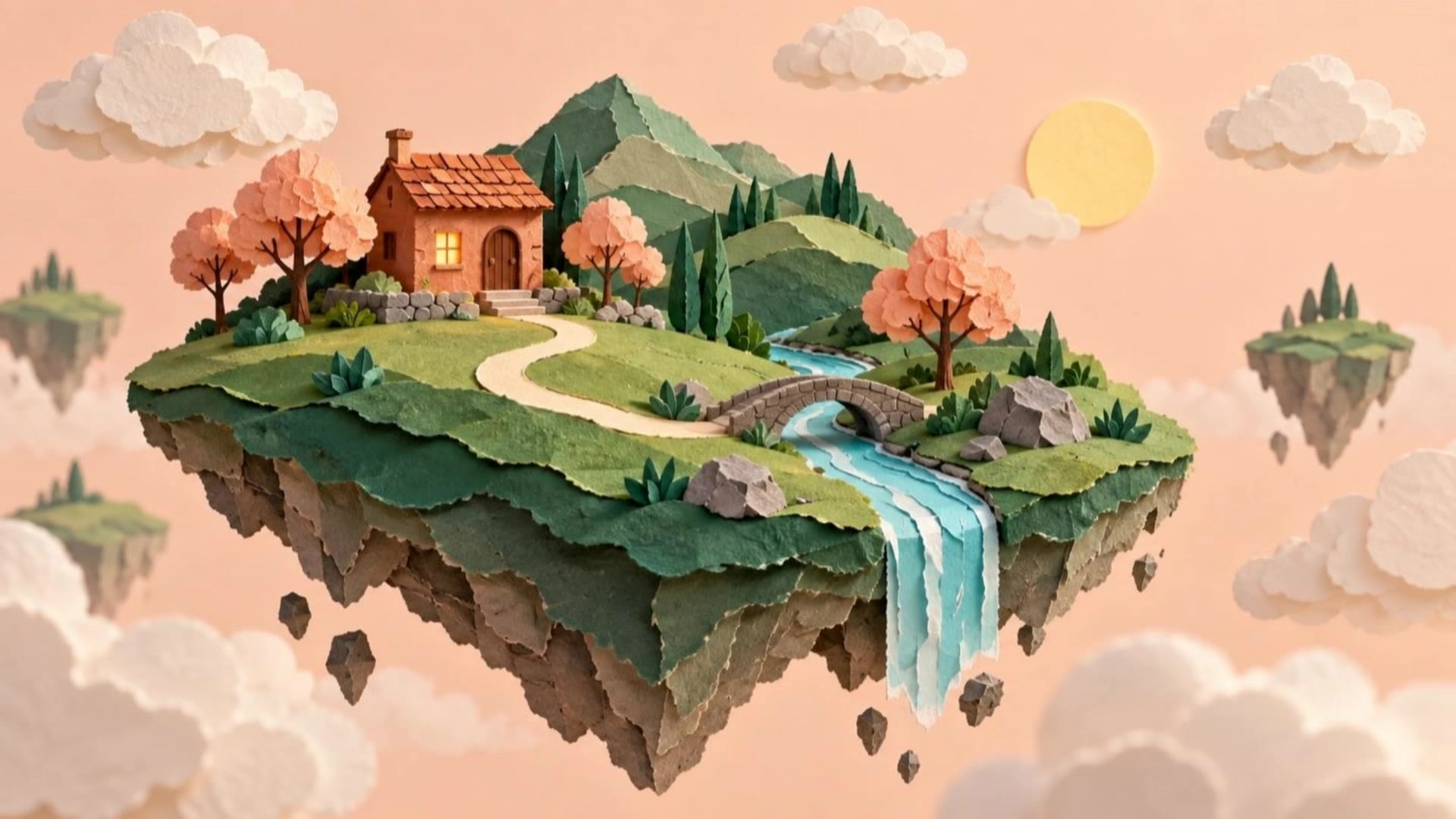 Kling 3.0 Pro · Recorded Cicadas sample
AI Image to Video Generator
Photo to video from one upload: add a JPG, PNG or WebP and get a silent 5-second Kling or 6-second 720p Veo MP4. AI image to video with the price shown first.
Kling 3.0 Pro · from 140 credits
Tested 2026-09-29
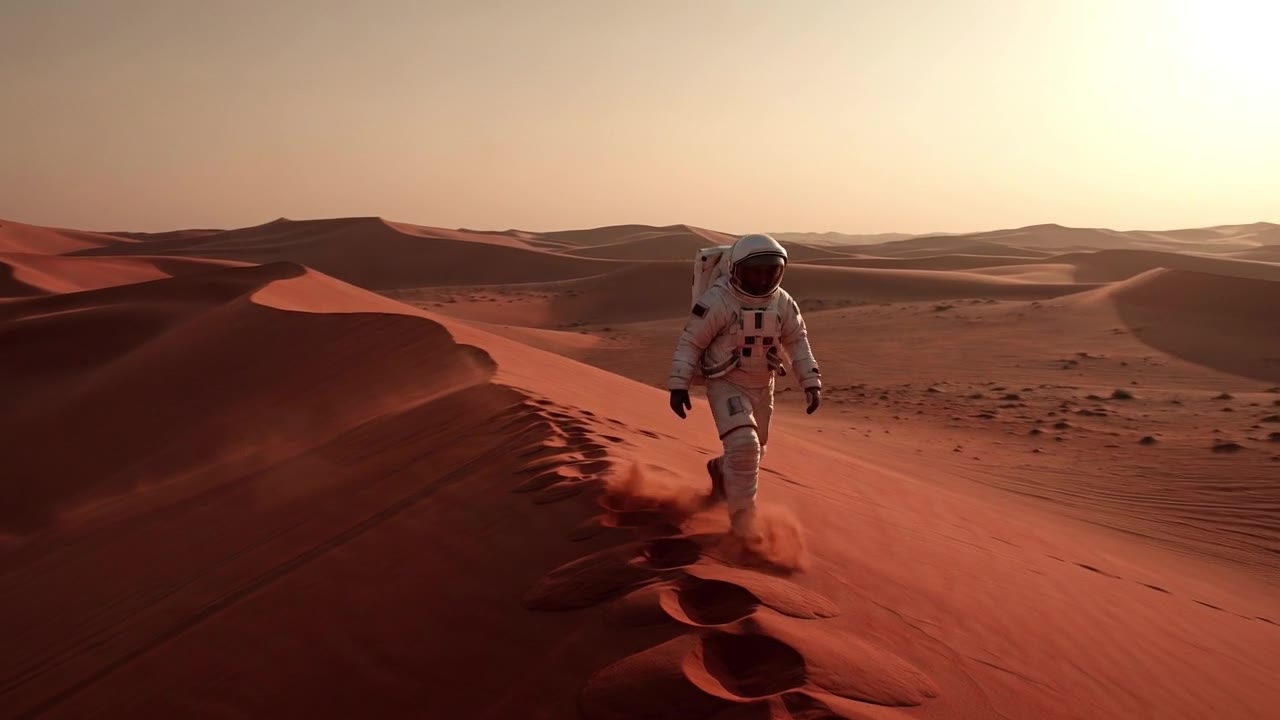 Grok Imagine Video 1.5 · Recorded Cicadas sample
Grok Imagine Video 1.5 and 1.5 Lite AI Video Generator
Make 5- or 10-second videos with sound from text or one image, no X account needed. Grok Imagine 1.5 from 100 credits, 1.5 Lite from 25, quoted before you pay.
Grok Imagine Video 1.5 · from 100 credits
Tested 2026-10-02